Framer CMS Basics — How to Manage Content Collections
A beginner-friendly walkthrough of Framer CMS collections, fields, editing items, and displaying content with collection lists and pages.
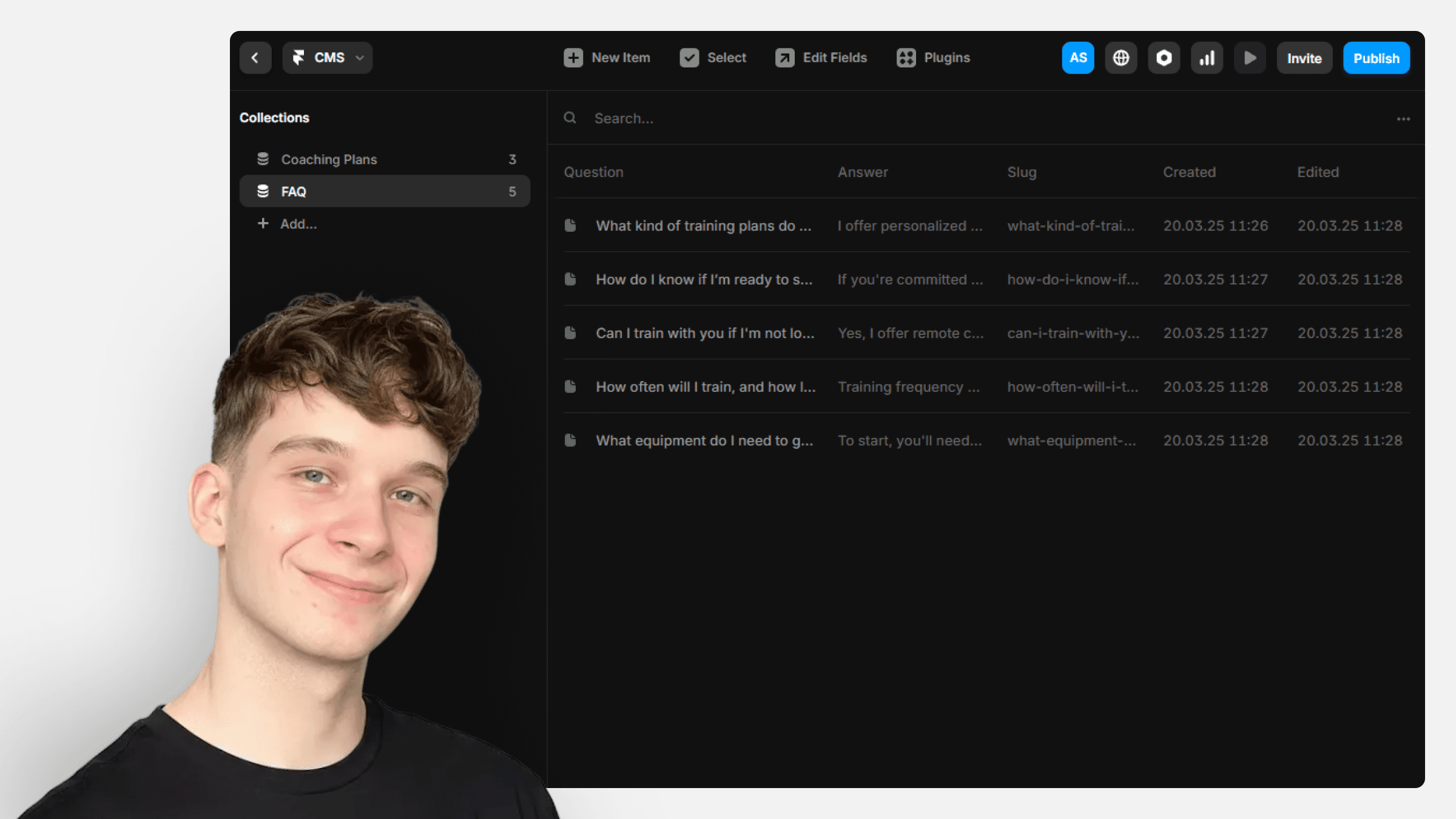
Why we picked it
Sebadam.supply is a Framer template shop, and this tutorial explains the CMS mental model in one short read with practical examples like FAQs, blogs, and projects.
What you’ll learn
- Create a Framer CMS collection and choose field types
- Add, edit, and draft items inside the CMS
- Display a collection on a page with a CMS list
- Set up index and detail pages for dynamic content
Who it’s for
Beginners who want to understand the Framer CMS before designing dynamic pages.
Open this article at the source
sebadam.supply
Related tutorials
More from collections & schema and other beginner resources3 picks
CMS collections, items & fields
Official deep dive into the schema layer: how collections, items, and field types fit together before you touch the canvas.

CMS collection references introduction
Relate authors to posts, projects to tags, and other joins with reference fields — the schema pattern that keeps collections clean.

Using Markdown in the CMS
Official Help on pasting Markdown into rich text, copying CMS content as Markdown, and how links are normalized.