Framer Tutorial: Building a Site From Scratch
Long-form Framer University lesson that builds an animated, responsive website from a blank canvas, covering positioning, stacks, components, and 3D transforms.

Why we picked it
A complete beginner workflow in one sitting. It bridges the gap between isolated tips and a real, polished page by showing how layout, components, and motion fit together.
What you’ll learn
- Set up a responsive page structure with stacks and relative positioning
- Build reusable components and apply 3D transforms
- Create scroll and hover animations inside Framer
- Optimize the same layout for desktop and mobile
Who it’s for
Beginners who want to finish a real landing page or portfolio rather than watching disconnected feature demos.
Open this video at the source
framer.university
Related tutorials
More from fundamentals and other beginner resources3 picks
What is the Framer CMS?
Official Academy primer: treat collections like a filing cabinet for structured content, then let Framer generate pages from that model.

Learn Framer CMS in 7 Minutes
Fast community walkthrough that builds a dynamic portfolio: collections, fields, detail pages, conditional visibility, and lists.
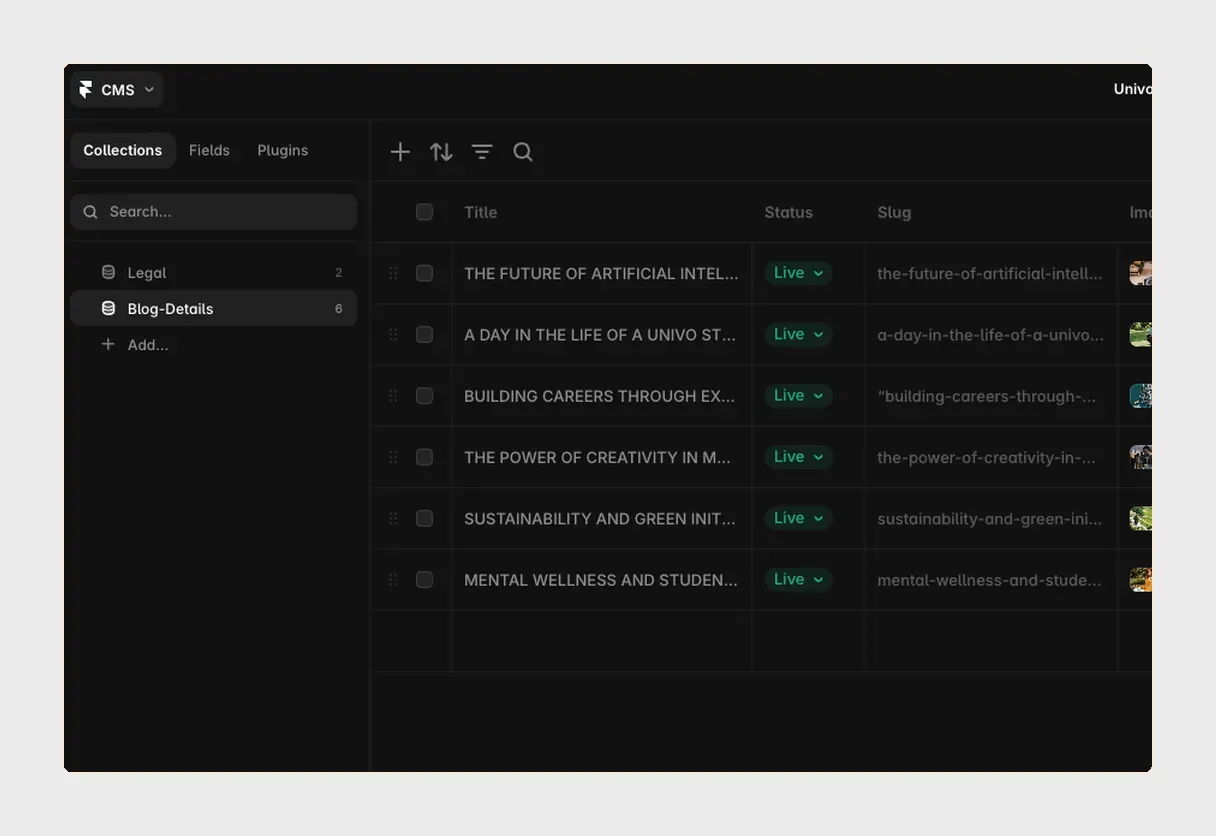
Framer CMS Tutorial: Collections, Fields and Dynamic Pages
Clear written workflow from empty project to working CMS — fields, detail templates, and collection lists in about thirty minutes.