VideoBeginnerFREE
What is the Framer CMS?
Official Academy primer: treat collections like a filing cabinet for structured content, then let Framer generate pages from that model.
framer.com/academy·3 min
Curated Framer CMS resources tagged official.
Official Academy primer: treat collections like a filing cabinet for structured content, then let Framer generate pages from that model.
Official deep dive into the schema layer: how collections, items, and field types fit together before you touch the canvas.
Relate authors to posts, projects to tags, and other joins with reference fields — the schema pattern that keeps collections clean.
Design one detail template, bind CMS fields, and let Framer generate a unique page for every collection item.
Official lesson on repeating indexes: insert a collection list, bind card fields, then sort, filter, limit, and paginate.
Help Center guide to interactive filters — search, tabs, toggles, dropdowns, and checkboxes on published collection lists.
Let clients and editors update live CMS fields in the browser — the handoff pattern that keeps people out of the canvas.
Bind {{Title}} and {{Description}} (and social images) so every CMS detail page gets unique metadata for search and sharing.
Add per-item schema markup via Custom Code and CMS variables — including | json escaping and reference fields for authors.
Official developer intro to overrides — higher-order components that tweak layers in preview and production, plus when you should use Effects/Components/Fetch instead.
Official Academy course packing the CMS mental model, collections, detail pages, and collection lists into one beginner path.
Short Academy lesson on how draft pages, CMS-generated pages, and locales interact when you publish.
Official product page for Framer CMS — capabilities, positioning, and what you can build without leaving the canvas.
Official Help on pasting Markdown into rich text, copying CMS content as Markdown, and how links are normalized.
Product update introducing collection references so items can point at other collections for reusable, relational content.
Help article for controlling bold text color inside CMS formatted text via text styles or custom CSS.
Official method to center images that appear inside CMS formatted text using custom CSS.
Help guide for displaying CMS images at their natural aspect ratios instead of forcing one crop everywhere.
Official Help on conditionals (Is Set, option fields, toggles) so detail templates adapt to each item’s content.
Help article for YouTube/Vimeo/self-hosted video on detail pages, CMS URL fields, and hiding empty players.
Official guide to placing additional collection lists on a detail page for related content and connected data.
Reuse an existing CMS detail design with another collection instead of rebuilding the template.
Official styling guidance for links inside CMS detail pages so body copy stays consistent and readable.
Troubleshooting Help for static layers that incorrectly repeat on every CMS detail page instead of binding per item.
Help article on capping how many CMS items a list shows — featured rows, homepages, and teaser grids.
Product update on empty states so filtered or empty collection lists show a designed message instead of a blank hole.
Official update covering pagination for large CMS lists so indexes stay fast and crawlable.
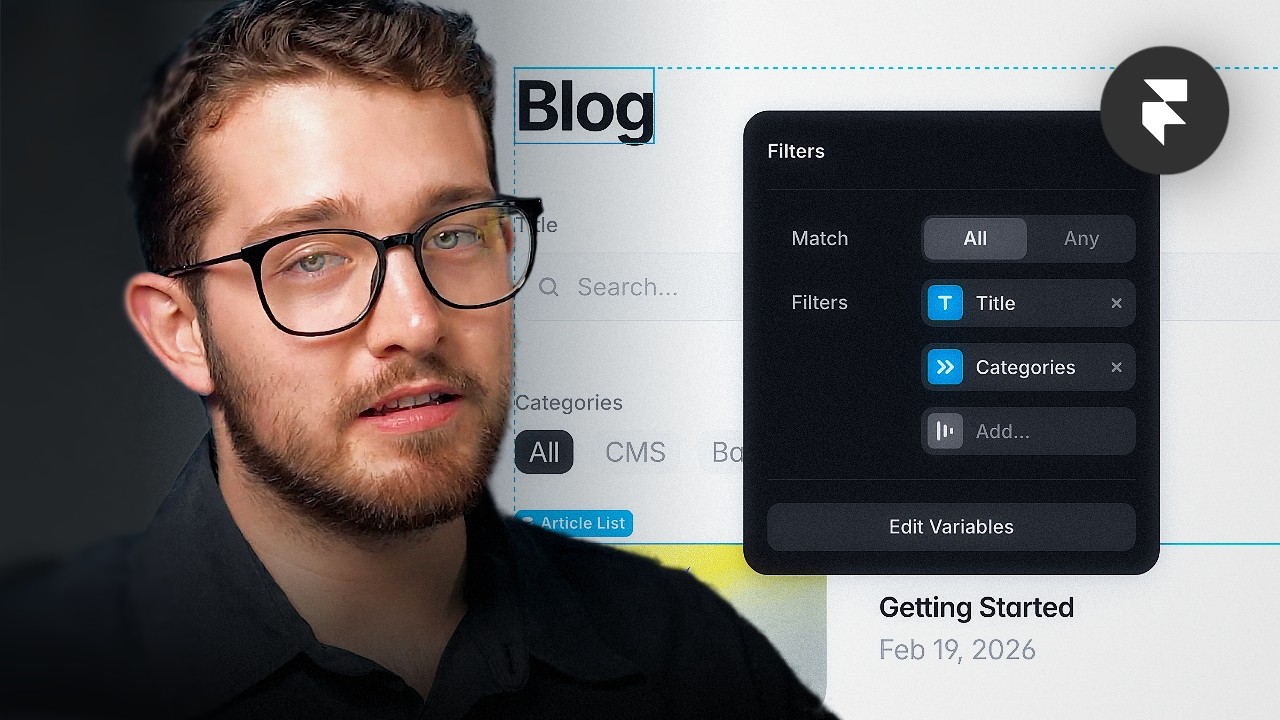
Product announcement for Dynamic Filters — search, tabs, toggles, dropdowns, and checkboxes wired to page variables.
Academy intro to Framer localization — locales, translation workflows, and how CMS content participates.
Academy lesson on adding locales, AI translation, tone controls, and batch translating content.
Academy deep dive: hide CMS items per locale, localized slugs/redirects, and Set Locale actions in components.
Product update outlining the modern localization system that advanced Academy lessons build on.
Help Center guide to editing live, collaborating, and creating new CMS pages from the published site.
Product update announcing on-page editing for faster content changes without opening the full editor.
Official plugin to import CSV files into collections with field mapping and conflict resolution.
Export any Framer CMS collection as CSV for backups, analysis, or reimport into another project.
Official Help: Framer auto-generates sitemap.xml — how to find it and submit it to search tools.
Help article on verifying Search Console and submitting your Framer-generated sitemap.
Official guidance on crawl risks with infinite scroll and mitigations: internal links, prev/next, HTML sitemaps.
Help article explaining why links only inside overlays become orphan pages — and how to keep CMS routes discoverable.
Index of official SEO Help articles — the map for sitemaps, metadata, crawl issues, and more.
Official developers documentation for working with CMS concepts from the code side of Framer.
Official developers intro to Framer components — foundation for overrides and CMS-aware code components.
Academy lesson on Framer components — the design-side counterpart to developer component docs.
Official Framer YouTube update video introducing collection references and multi-references with a blog/author example.
Official dictionary definition of multi-reference fields that store links to multiple CMS records.
Browse Marketplace blog templates that ship with collections, indexes, and detail pages prewired.
Marketplace portfolio templates with project collections and case-study detail pages.
Agency Marketplace templates often include case studies, services, and team CMS collections.
SaaS Marketplace templates pairing marketing pages with CMS for changelogs, blogs, or customers.
Marketplace directory templates built around filterable CMS listings.
Marketplace ecommerce templates that use CMS (or commerce plugins) for product-style listings.
Marketplace real-estate templates using CMS for property cards, filters, and detail pages.
Marketplace changelog templates that treat releases as CMS items.
Marketplace events templates that model talks, speakers, and schedules as CMS collections.
Marketplace nonprofit templates using CMS for programs, stories, and impact updates.
Official Framer walkthrough for building fully functional, native forms with 10+ input types, custom styling, and email/Sheets/webhook connections.
Official first steps for building a Framer plugin from npm create framer-plugin to opening a development plugin inside the editor.
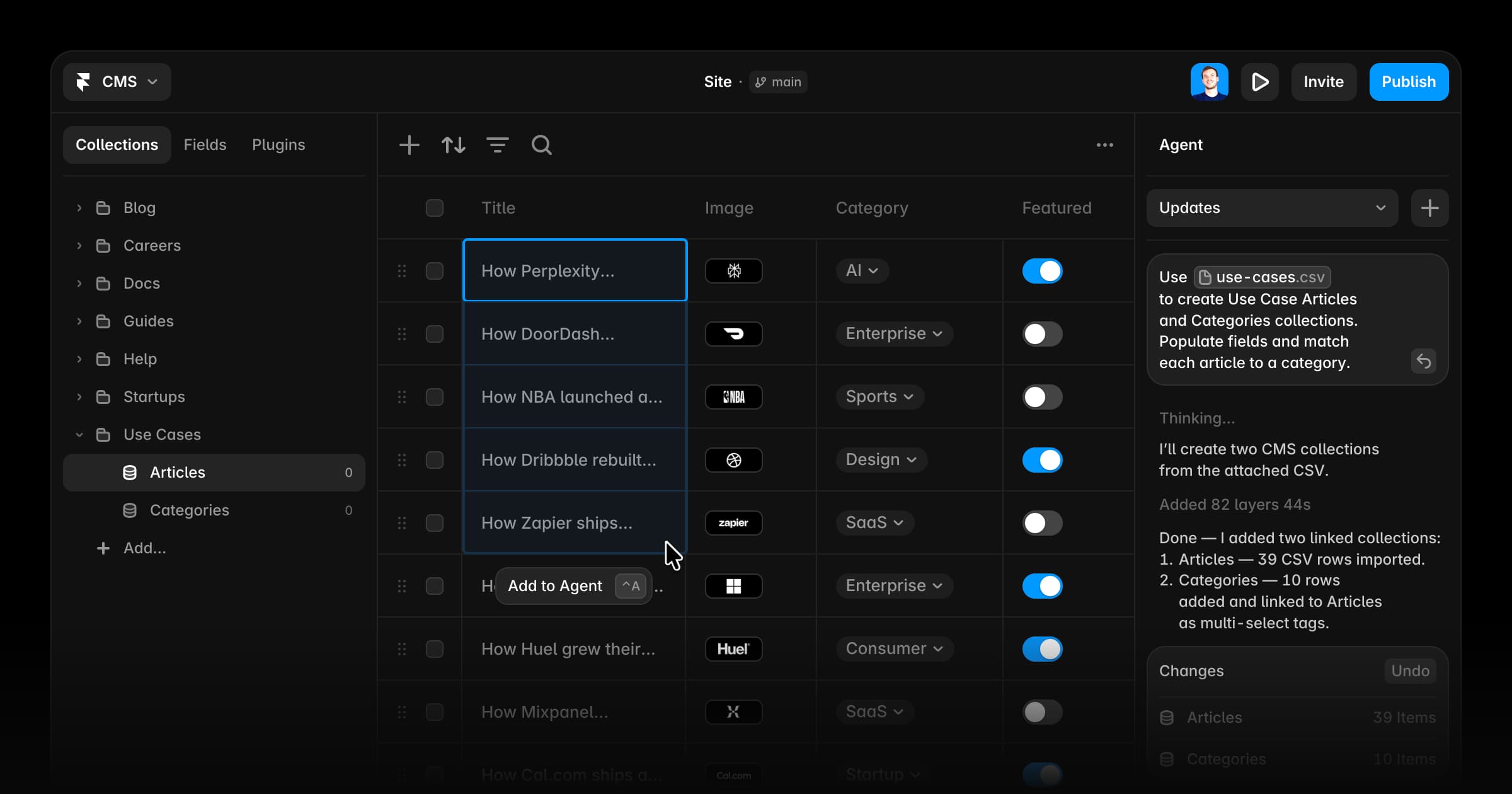
Official Help Center guide to using Framer Agents to create collections, populate items, import CSVs, and connect the result to pages without leaving the canvas.
Long-form Framer University lesson that builds an animated, responsive website from a blank canvas, covering positioning, stacks, components, and 3D transforms.
Product update introducing the redesigned Framer CMS: inline table editing, multi-cell selection, bulk actions, folders, column customization, and a dedicated fields panel.
Official Help Center guide to creating and managing web pages, CMS pages, and design pages in Framer, including page options and URL handling.
Framer Academy tutorial that builds a collapsible article stack in a hero section, pulling live content from a CMS collection.
Framer University video that walks through adding search, tabs, toggles, and other dynamic filters to a Framer CMS collection list.
Framer.dev guide to Fetch: adding dynamic API data to a Framer site without code on the canvas, plus best practices for backends and CORS.
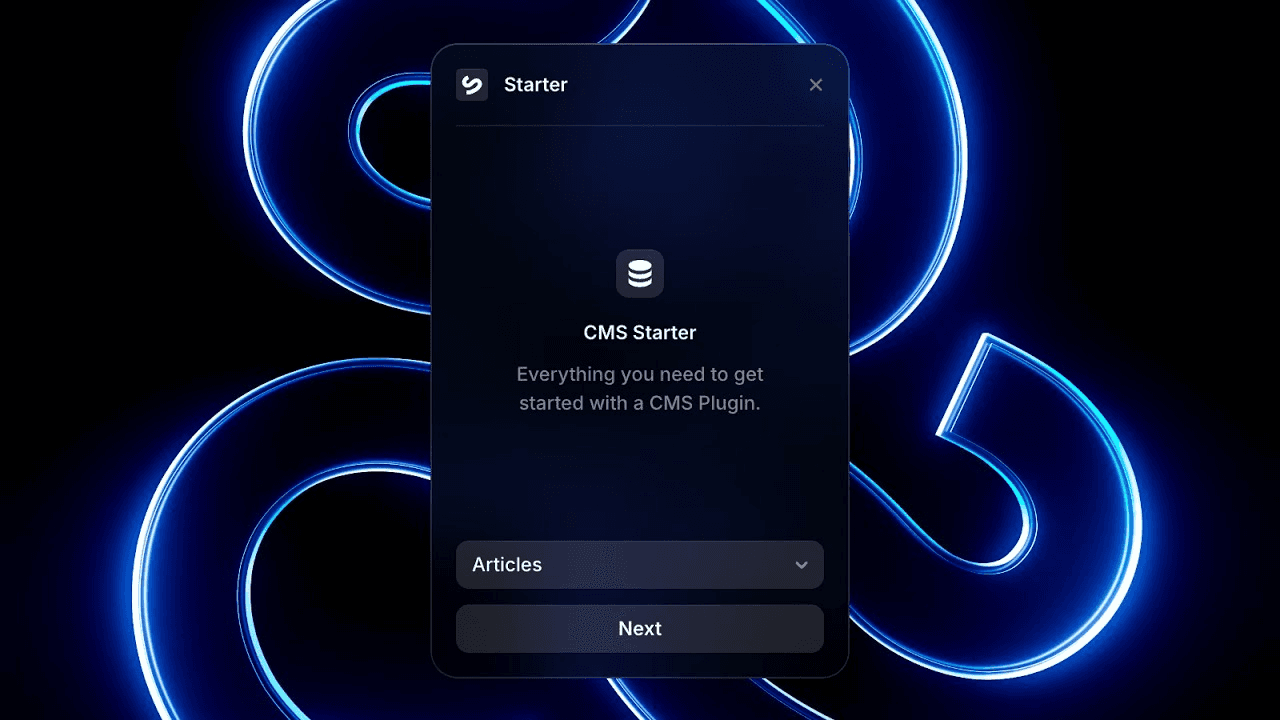
Framer Academy lesson on getting started with the CMS Starter Plugin, connecting a custom data source, and extending the plugin after the first sync.
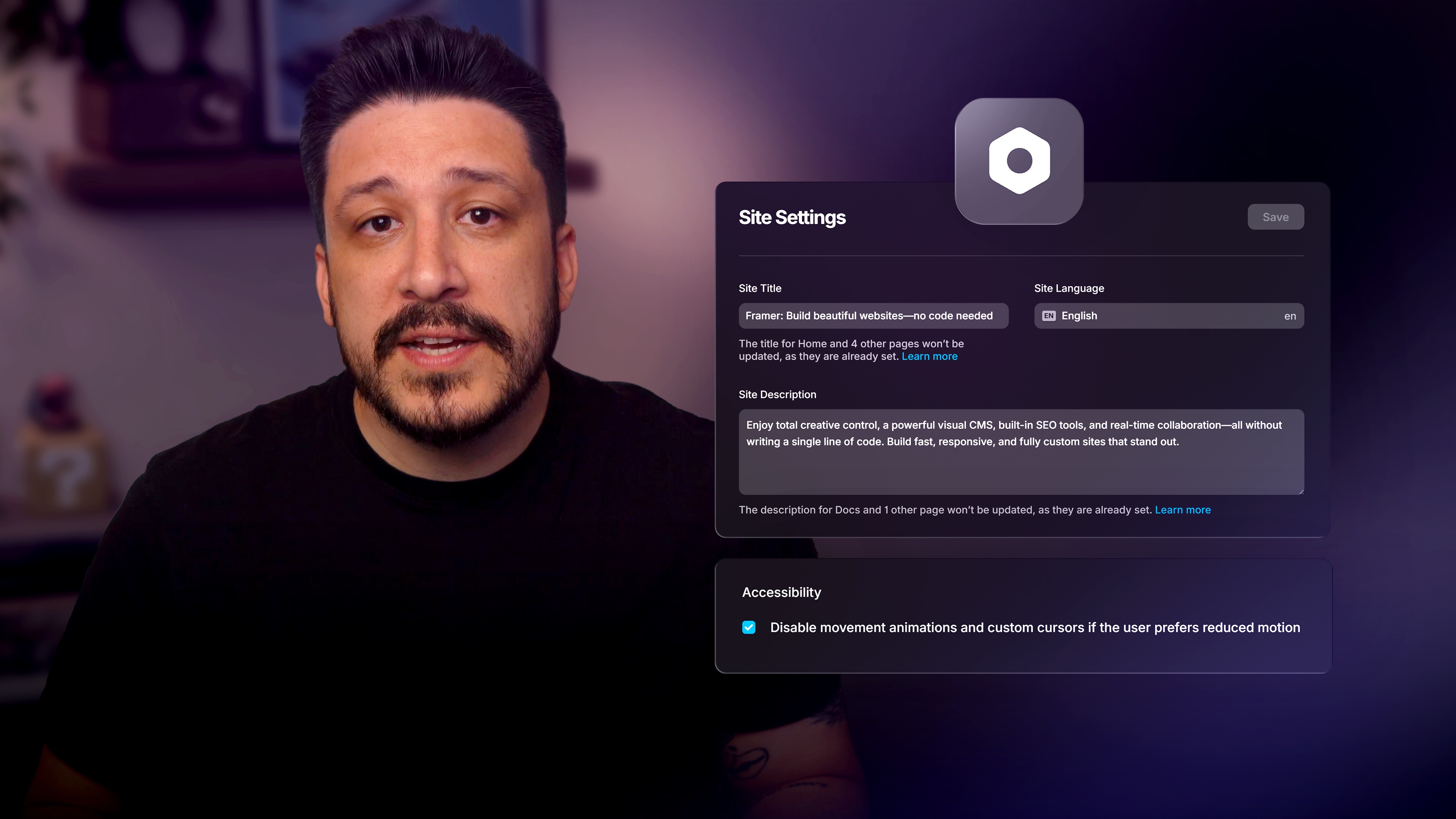
Framer Academy lesson covering global site settings that affect SEO and accessibility: site title, language, description, and reduced motion preferences.
Official Help Center guide to using the useTracking hook in a code override or code component to measure any interaction on a Framer site.